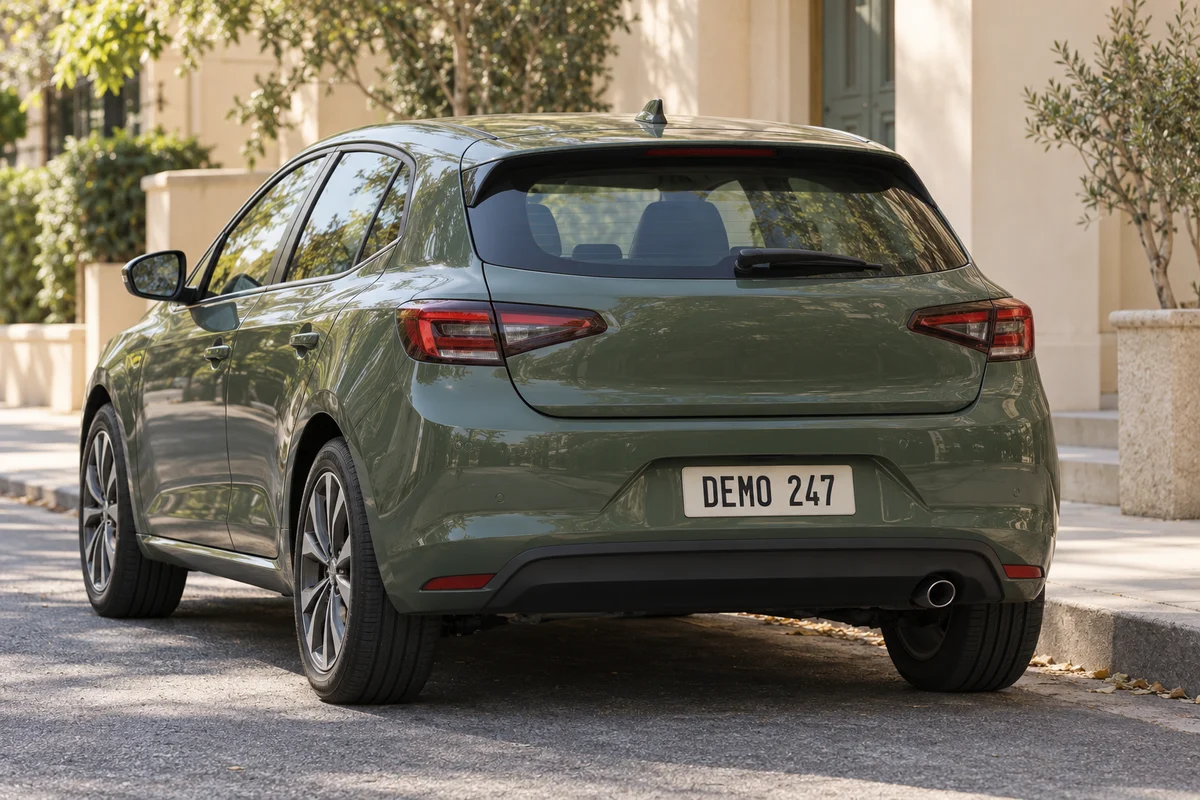
Quick steps
- 1Upload the vehicle photo in the tool above. Selected Areas is ready to use.
- 2Draw a rectangle that covers the complete plate, including its edges.
- 3Choose a block size that makes every character unreadable, then download the edited photo.
How to hide license plate details in a photo
Upload a JPG, PNG, or WebP car photo, then draw a rectangle over the registration plate. Increase the pixel size until its characters are unreadable. Compare the edited photo with the original and download the finished image without a watermark.
You select the plate manually. Add a separate rectangle for each vehicle, or use the brush to cover a plate at an awkward angle. The editor applies a mosaic to your selections while leaving the rest of the photo clear.
Cover the entire license plate, including its edges
A narrow selection can leave a region name, badge, sticker, or final character exposed. Extend the selected area slightly beyond every edge so the full registration plate receives the same effect.
For angled or distant plates, zoom in while positioning the selection. You can add another area if a reflection or second vehicle shows the same identifying information elsewhere in the image.
Hide number plates in reflections and background vehicles
Mirrors, windows, polished bodywork, and nearby cars can introduce additional readable plates. Review the full scene after treating the obvious plate in the foreground.
Pixelation changes visible image detail; it does not remove other metadata that may exist in the original file. Consider your broader sharing requirements when location or device information is sensitive.
Before you download
- Select a small margin around all four sides of the plate.
- Inspect other vehicles and reflections in the frame.
- Check the exported image at full resolution before publishing it.
Edit your photo now
Use the hide license plate online free tool above to upload, edit, and download directly on this page. No account is required, and the downloaded image does not include a watermark.