Quick steps
- 1Upload an image below. Selected Areas is ready to use.
- 2Use the rectangle for straight-edged regions or the brush for irregular shapes.
- 3Add every area you need, adjust the pixel size, preview, and export the finished image.
Rectangle or brush: which selection works best?
The rectangle is fast for screens, documents, plates, signs, and other details with clear edges. The brush gives you more control around faces, curved objects, or scattered marks.
Selections do not need to touch. Add several small regions when you want to protect details in different parts of the image without changing the space between them.
Keep the subject clear while hiding one detail
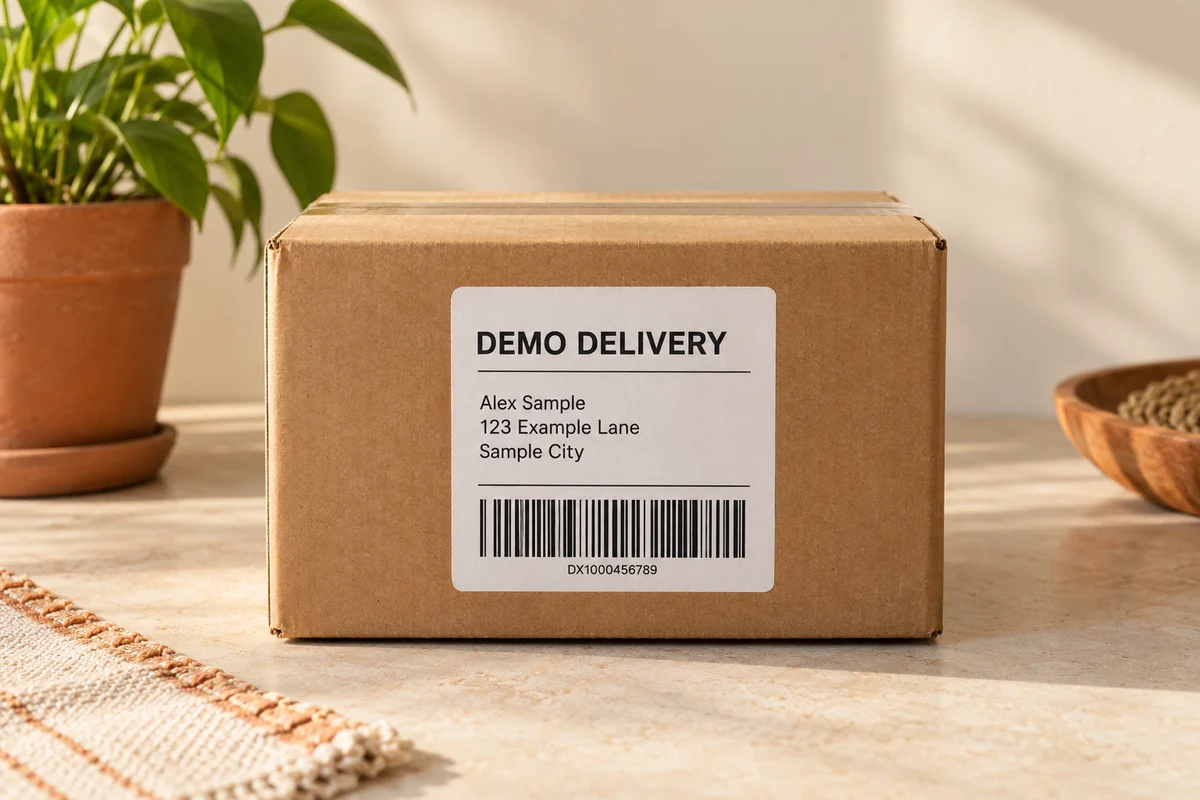
Selective pixelation preserves the context of a photo. A product remains visible while its shipping label is hidden, or a scene stays recognizable while a bystander's face is covered.
Use the comparison view to check that the intended subject still reads clearly and that every private area received enough pixelation before you download.
Before you download
- Use rectangles for text and plates, and the brush for curved shapes.
- Add a small margin so no edge details remain visible.
- Compare the original and edited versions before exporting.
Edit your photo now
Use the pixelate part of an image online tool above to upload, edit, and download directly on this page. No account is required, and the downloaded image does not include a watermark.