Quick steps
- 1Upload the screenshot below. Selected Areas is ready to use.
- 2Draw a rectangle over each line, notification, avatar, or account detail you want to hide.
- 3Raise the pixel size until the text cannot be read, then preview and download the result.
Look beyond the main message
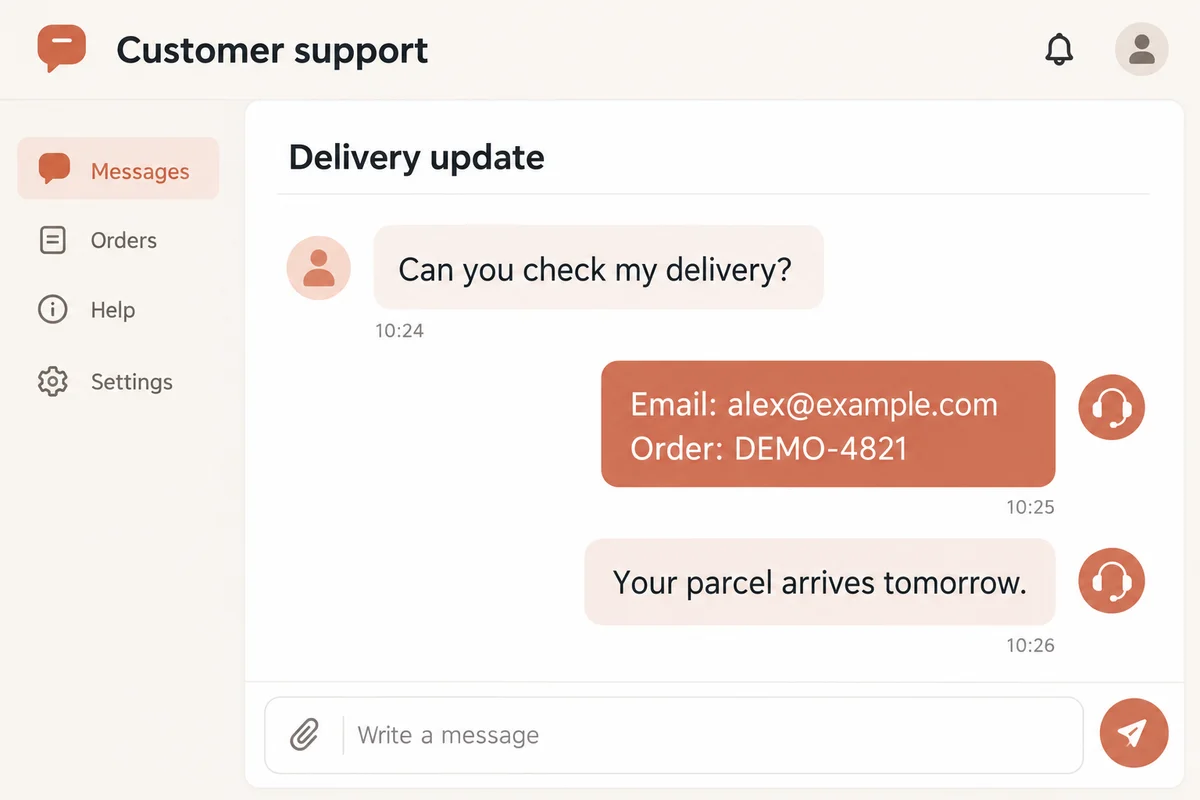
A screenshot can include names in a sidebar, browser tabs, timestamps, profile photos, location indicators, or notifications from another app. Scan the entire frame instead of focusing only on the conversation in the center.
Crop away anything you do not need, then pixelate the private details that remain. This produces a cleaner image and reduces the number of areas you need to cover.
Make small text unreadable
Text needs stronger pixelation than a decorative background because even part of a letter can reveal a username, phone number, or code. Zoom in and make sure no complete characters remain easy to infer.
Always inspect the exported file. The preview helps you compare versions, but the downloaded image is the exact file you will send or publish.
Before you download
- Check status bars, tabs, sidebars, and notification previews.
- Cover labels as well as the values beside them when context could reveal the data.
- Keep an untouched original in case you need to make a different edit later.
Edit your photo now
Use the pixelate a screenshot online tool above to upload, edit, and download directly on this page. No account is required, and the downloaded image does not include a watermark.