Quick steps
- 1Upload a scan or document photo as JPG, PNG, or WebP in the tool above. Selected Areas is ready to use.
- 2Draw a rectangle over every field you want to cover. Add separate selections for details in different parts of the page.
- 3Increase the pixel size, compare the original and edited views, and download a new image. Inspect it at full size before sharing.
How to redact a document image
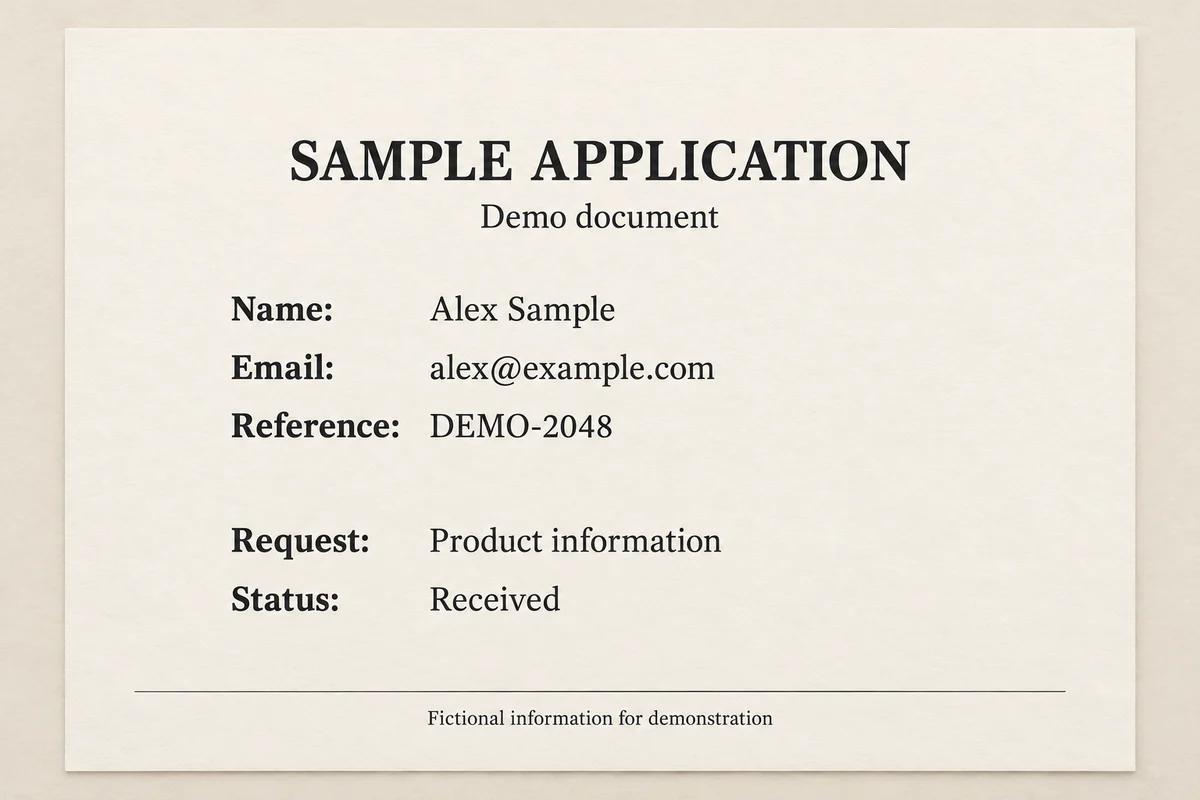
Start with a clear scan or photo of one page. Use the rectangle tool to cover a name, address block, account reference, or signature. Add a small margin around each field so the first and last characters are included. Use the brush for irregular handwriting or marks.
Adjust the pixel size until the selected details are obscured. The editor changes the areas you mark manually; it does not automatically find sensitive information. Use the comparison view to review your selections, then download the result as PNG, JPG, or WebP.
What to cover in a scanned document
Review the entire page for names, email and street addresses, phone numbers, account or reference numbers, signatures, and handwritten annotations. Check headers, footers, stamps, barcodes, and QR codes as well as the main form fields.
Keep only the context the recipient needs. A label beside a number or a note in the margin may reveal information even when the main field is covered. Use several small selections to keep unrelated text readable.
Can I redact a PDF or Word document here?
This editor accepts document images, not PDF or Word files. To edit the visible appearance of a page here, first export that page as a JPG, PNG, or WebP image, or take a clear screenshot. Upload and review each page separately.
The downloaded result is an image file. It does not change your original document, remove a PDF text layer, or produce a redacted PDF. Use a document redaction tool when you need to remove content from the original file.
Pixelation and permanent document redaction
This tool covers selected image details with a mosaic. Pixelation is a visual obscuring effect and is not a certified or guaranteed method of permanently removing sensitive information. It does not provide solid blackout redaction.
For documents that require permanent redaction, use a dedicated workflow that removes the underlying content and checks the exported file. For everyday image sharing, review the downloaded copy carefully and keep your original document private.
Edit document photos in your browser
Document images are processed locally in your browser without being uploaded to our server. Open a supported image up to 10 MB, make your selections, and download without creating an account or adding a watermark.
Keep the original until you have checked the edited image. If your document has multiple pages, repeat the process and review each exported page before sending the set.
Before you download
- Check every page, including headers, footers, annotations, barcodes, and QR codes.
- Review the downloaded image at full resolution to see whether details remain recognizable.
- Use a dedicated redaction workflow when you need permanent removal from a PDF or other original document.
Edit your photo now
Use the redact document images online free tool above to upload, edit, and download directly on this page. No account is required, and the downloaded image does not include a watermark.