Crop Image Online
Trim the edges of a photo, fit it to a preset aspect ratio, or crop it into a circle. Your image stays in your browser.
Image crop examples
Circle crop for a profile photo
Frame one face from a group photo and keep the corners transparent.
1:1 crop for a product listing
Center the package in a square and trim the props at the sides.
16:9 crop for a video thumbnail
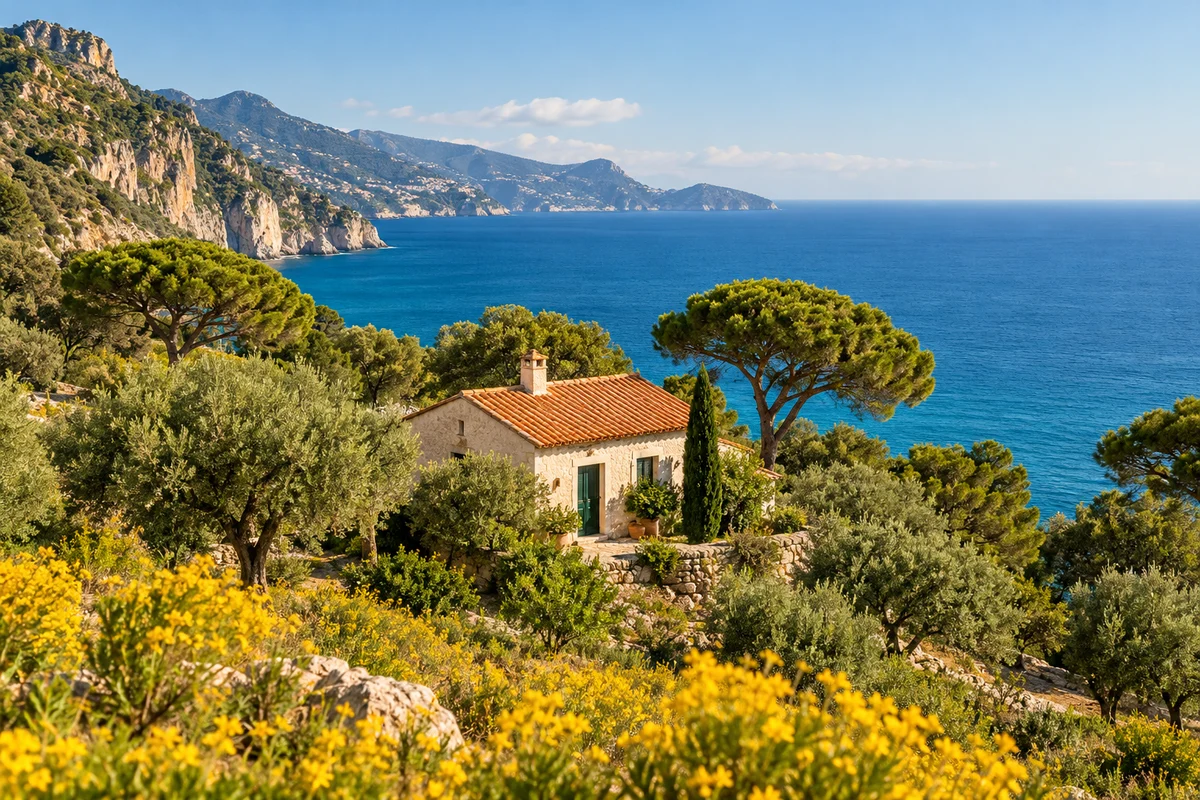
Trim the foreground to give the cottage and coastline more room in a wide frame.
9:16 crop for a story
Keep the cottage in view while trimming the cliffs and sea on either side.
How to crop an image
- Choose a JPG, PNG, or WebP image up to 10 MB. You can also drag it into the upload area or paste it.
- Pick Free to crop to any shape of rectangle, or choose a preset such as 1:1 for a square or 9:16 for a vertical image.
- Drag the crop box and adjust its corners to frame the part you want to keep.
- Download the cropped image as PNG or JPG.
Need to hide something inside the area you keep? Pixelate part of the image after cropping.
Crop Image FAQ